mirror of
https://github.com/arabine/open-story-teller.git
synced 2025-12-06 17:09:06 +01:00
| .. | ||
| icons | ||
| screenshots | ||
| CMakeLists.txt | ||
| default_image.bmp | ||
| FrontButton.qml | ||
| icon.rc | ||
| main.cpp | ||
| main.qml | ||
| ost-icon.ico | ||
| ost-logo-scale320x240.png | ||
| ost-logo.png | ||
| qml.qrc | ||
| qtquickcontrols2.conf | ||
| README.md | ||
| StoryTellerModel.cpp | ||
| StoryTellerModel.h | ||
| StoryView.qml | ||



Open Story Teller
Application
This is the application to read your story pack files on a computer (Windows/Linux/Mac) or mobile (Android...).
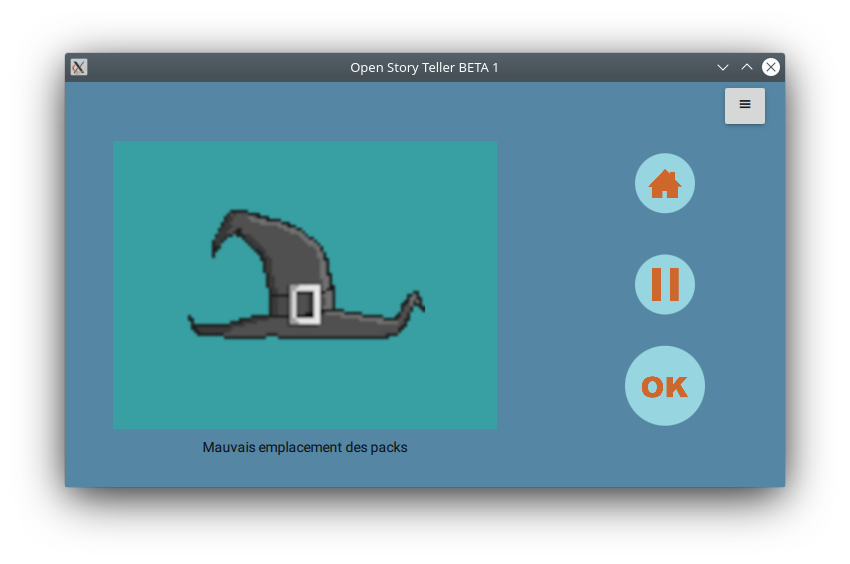
Usage
- Select the directory where your packs are installed (click on the sandwich menu button)
- Enjoy
/!\ BETA VERSION /!\ not working:
- home button
- pause button
- some pack files are not working
Navigation
There is no wheel to select the story or the user choices. Instead, swipe with your finger or the mouse on the fake LCD screen.
How to build
Dependencies
This program needs CMake and Qt to build. You can use QtCreator to open & build the project.
Steps in command line
- git clone --recursive https://github.com/OpenStoryTeller/application
- cd application && mkdir build && cd build
- cmake ../ && make